Kbd
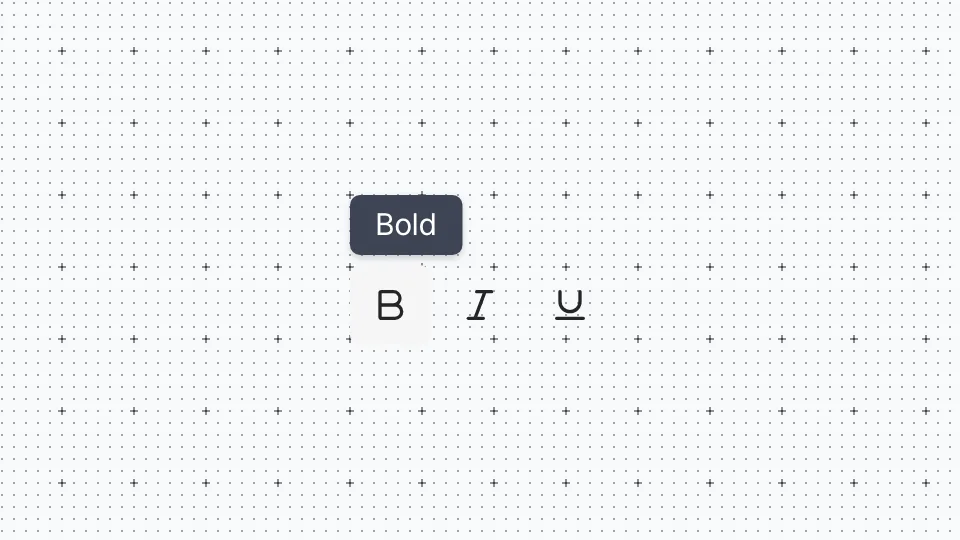
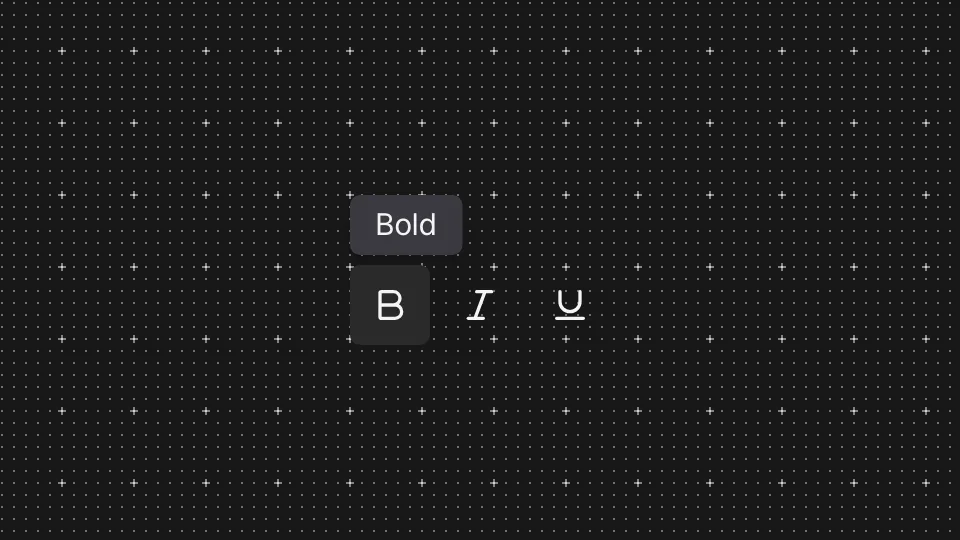
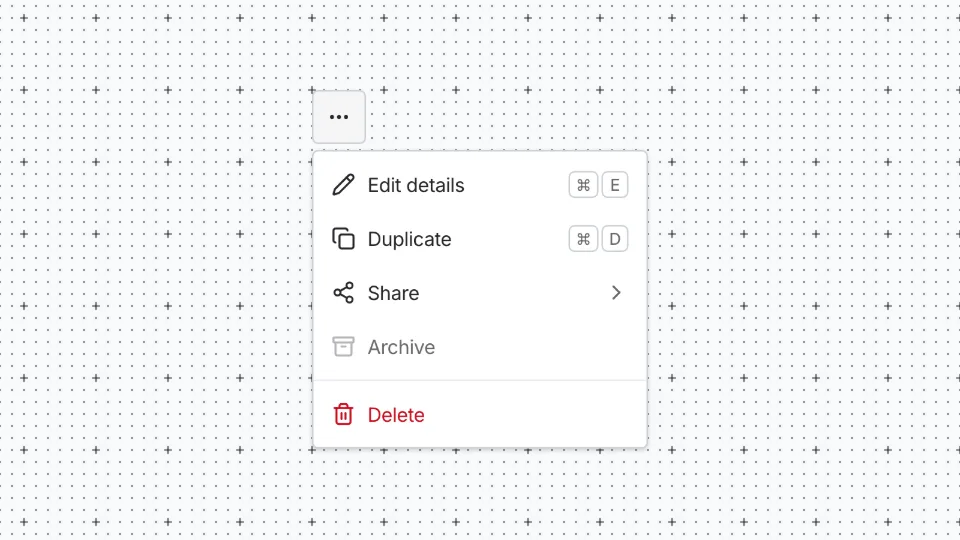
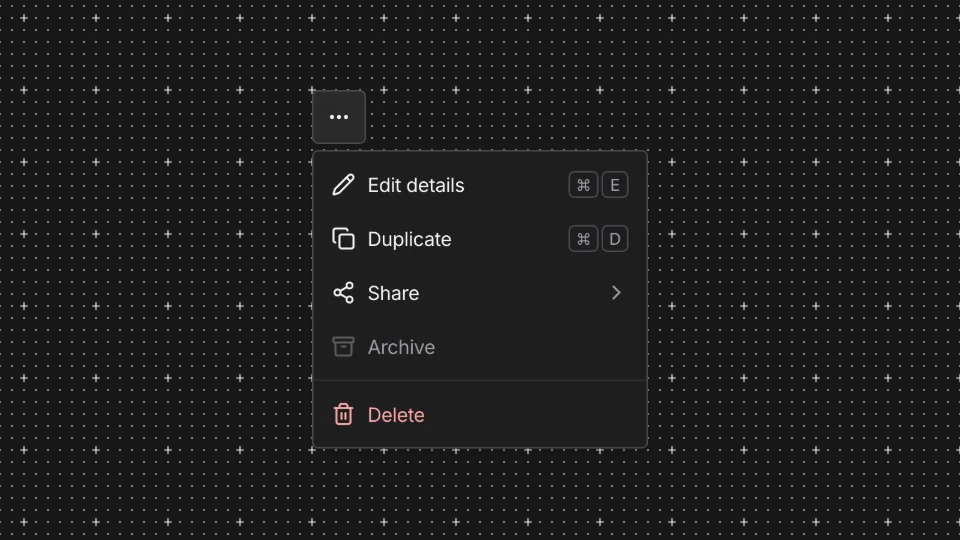
A key in a hairline box, and ShortcutHint, the platform's modifier and a key pushed to the end of a menu row: ⌘ on Apple devices, Ctrl elsewhere.
BetaReady to use. Its API can still change in a minor release; the changelog says when.
import { Kbd, ShortcutHint } from "@leap-crm/design-system";Playground
Change a prop and the component follows. Its code is under Props.
Esc
Props
children
Best practices
When to use it, and the rules that apply in particular places.
| Guidance | Practice |
|---|---|
| Do | Use ShortcutHint at the end of a menu row for a modifier shortcut, like opening search. It shows ⌘ on Apple devices and Ctrl elsewhere. |
| Do | Put each key in its own Kbd, like ⌘ then K, so the reader sees how many keys to press. |
| Don't | Write ⌘ or Ctrl by hand for a modifier shortcut. Half the firm would read the wrong key; ShortcutHint picks the platform's. |
| Don't | Make a shortcut the only way to an action. Put the action in a menu or button too, so it works by pointer and touch. |
Props
Kbd
| Prop | Type | Default | Description |
|---|---|---|---|
| children * | ReactNode | — | What it shows inside. |
| className | string | — | Classes added to the root element, merged with its own. Tokens only. |
ShortcutHint
| Prop | Type | Default | Description |
|---|---|---|---|
| chord * | string | — | The key pressed with the modifier, like "K". |
| className | string | — | Classes added to the root element, merged with its own. Tokens only. |
Code
What the playground shows, ready to copy.
import { Kbd } from "@leap-crm/design-system";

<Kbd>Esc</Kbd>