Relationship Map
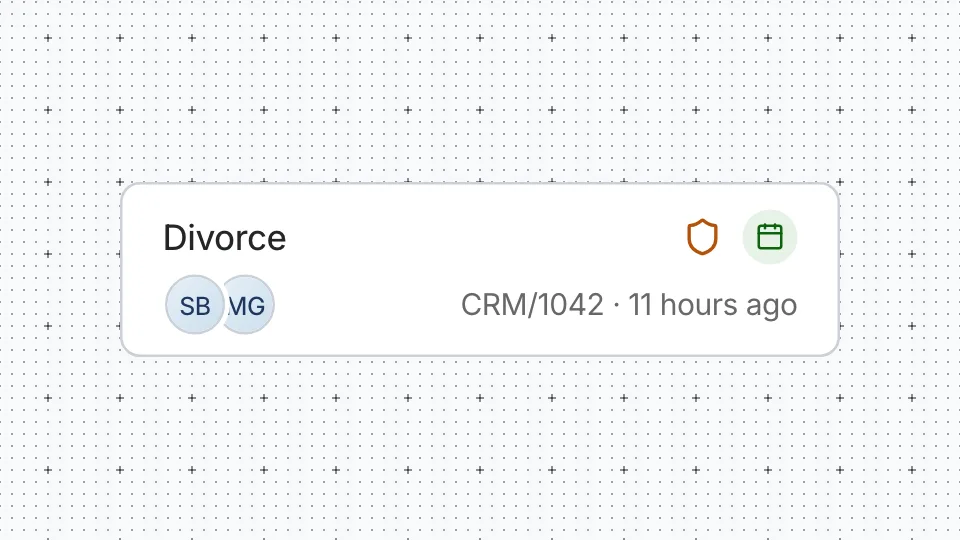
The parts of a matter's party map: the matter at the top, a lane per role group with its badge header, party cards edged in the group's tone, kind tiles and the legend. Roles go on cards; relationship labels go on the lines between them.
BetaReady to use. Its API can still change in a minor release; the changelog says when.
LEAP CRMBuilt for the CRM from the core library. It knows about the CRM's own records, so it isn't a general building block.
import { FocusNode, PartyLane, PartyNode, KindTile, RelationshipLegendItem } from "@leap-crm/design-system";Map
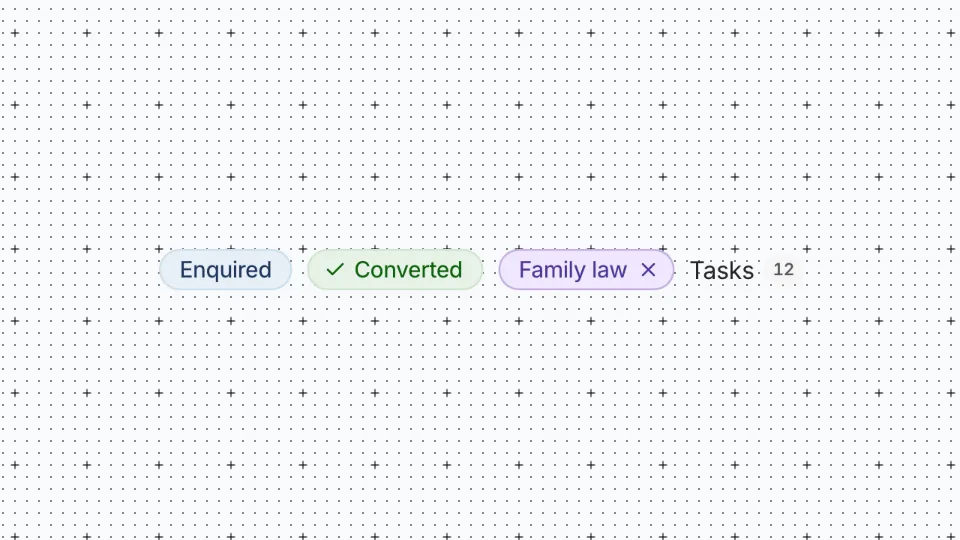
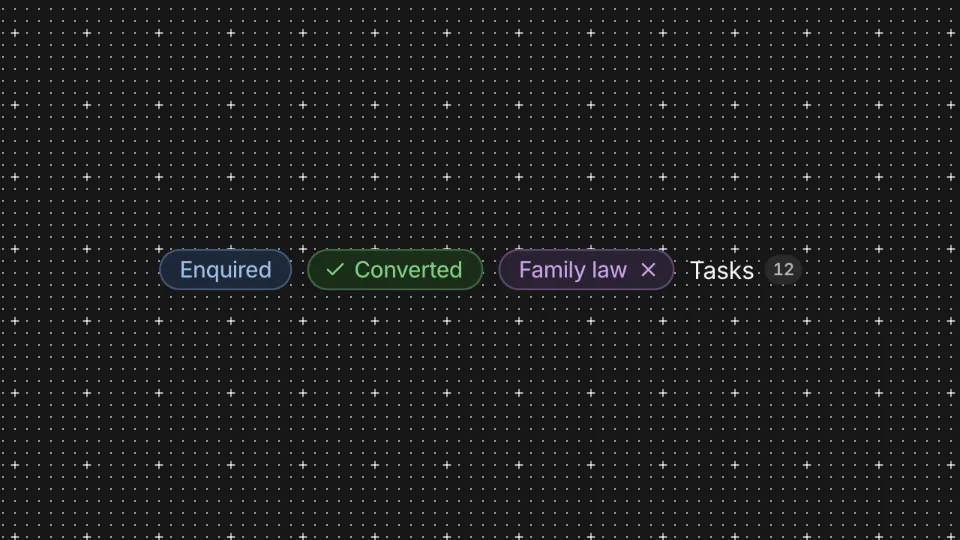
The matter at the top, then a lane per role group: the badge header and its party cards. The legend sits under the map.
Party cards
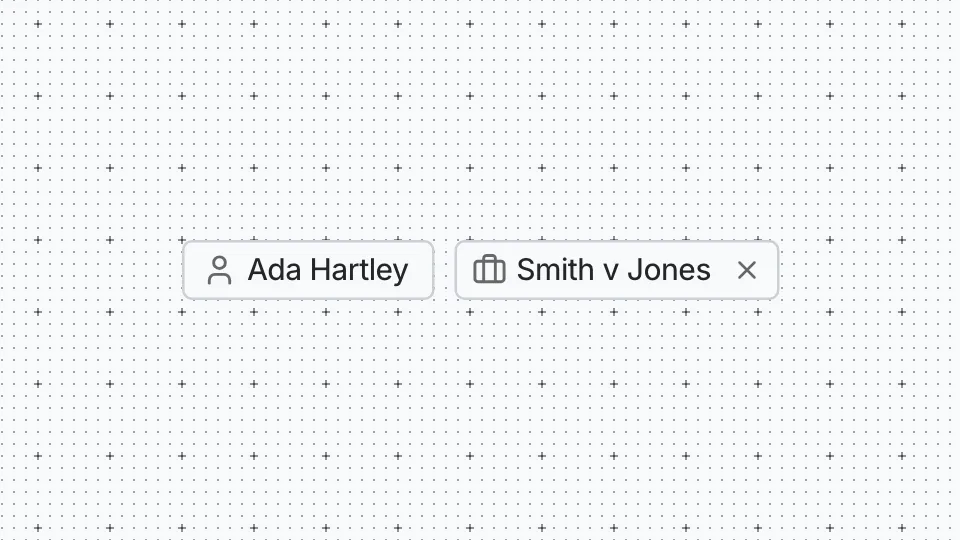
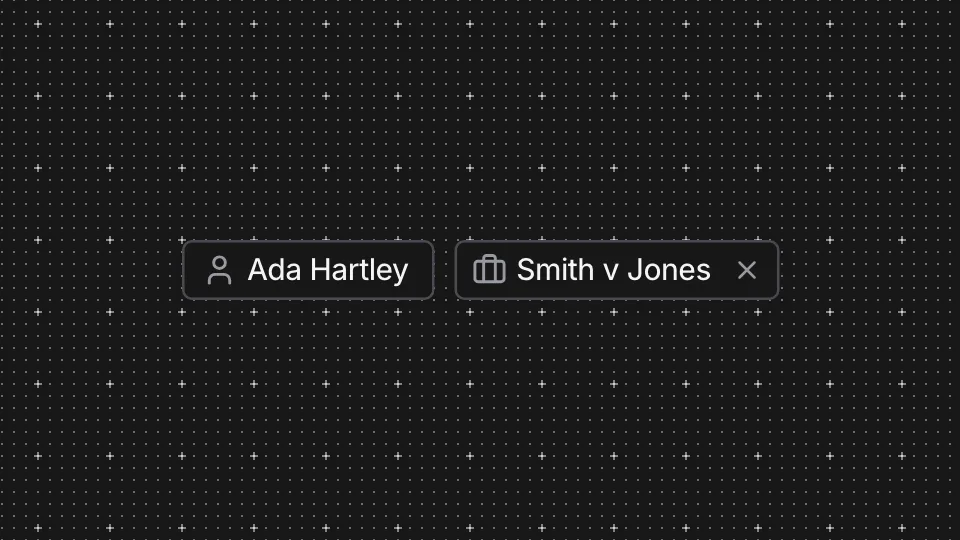
Edged in the group's tone, or the plain border for a contact outside a group. Long names and roles clip, with the full value on hover.
Kind tiles
Tint and icon both name the kind, so neither carries it alone. 24 px on cards, 20 px in rows.
What the examples share
The imports and the scaffolding the examples above call. The scaffolding lives in this page, not in the library.
import { FocusNode, KindTile, PartyLane, PartyNode, RelationshipLegendItem, type PartyKind } from "@leap-crm/design-system";

const kinds: PartyKind[] = [
  "person",
  "organisation",
  "group",
  "trust",
  "government",
  "matter",
];
Best practices
When to use it, and the rules that apply in particular places.
| Guidance | Practice |
|---|---|
| Do | Head each lane with PartyLane. On an open canvas a header needs a shape of its own, so it is the status badge with the group's name and count, not a dot and a name. |
| Do | Put a party's role on the matter on its PartyNode, like “Client · primary”, and relationship labels on the lines between cards. |
| Do | Use KindTile at size="md" on map cards and size="sm" in rows. Its tint and icon both name the kind, and screen readers hear it. |
| Do | Add a RelationshipLegendItem under the map for each group and for the relationship lines it shows, so every tone has words beside it. |
| Don't | Rename a role group with a word the CRM doesn't use, like “Adverse”. Use PartyLane's label only for a firm's own wording of the group. |
Props
FocusNode
| Prop | Type | Default | Description |
|---|---|---|---|
| title * | string | — | The contact the map is about. |
| subtitle | ReactNode | — | What it is and what it's worth, like "Family law · $48,000". |
| stage | ReactNode | — | Where it stands, like "Open · Agreement". |
| open | boolean | false | The matter is open: the stage line takes the client's tone dot. |
PartyLane
| Prop | Type | Default | Description |
|---|---|---|---|
| group * | "client" | "other-side" | "additional" | — | The role group: client, other side or additional. |
| count * | number | — | How many parties the lane holds, shown in its header. |
| label | string | — | Overrides the group's own name, like a firm's own wording. |
PartyNode
| Prop | Type | Default | Description |
|---|---|---|---|
| name * | string | — | The person's or organisation's name. |
| matterRole * | string | — | The party's role on the matter, like "Client · primary". |
| kind * | | "person" | "organisation" | "group" | "trust" | "government" | "matter" | — | person, organisation or group: the tile beside the name. |
| group | PartyGroup | "none" | "none" | The group whose tone edges the card; none for a contact outside a group. |
KindTile
| Prop | Type | Default | Description |
|---|---|---|---|
| kind * | | "person" | "organisation" | "group" | "trust" | "government" | "matter" | — | person, organisation or group: the icon and its colour. |
| size | "sm" | "md" | "md" | sm or md. |
RelationshipLegendItem
| Prop | Type | Default | Description |
|---|---|---|---|
| kind * | PartyGroup | "relationship" | — | The role group, or a relationship line, that the swatch stands for. |
| label | string | — | Words for the swatch. The group's own name when left out. |
Keyboard
The keys it answers to. Tab moves between components, arrows move within them.
| Keys | What they do |
|---|---|
| Tab | Moves through its buttons in order. |
| EnterSpace | Presses the focused button. |