Note tile
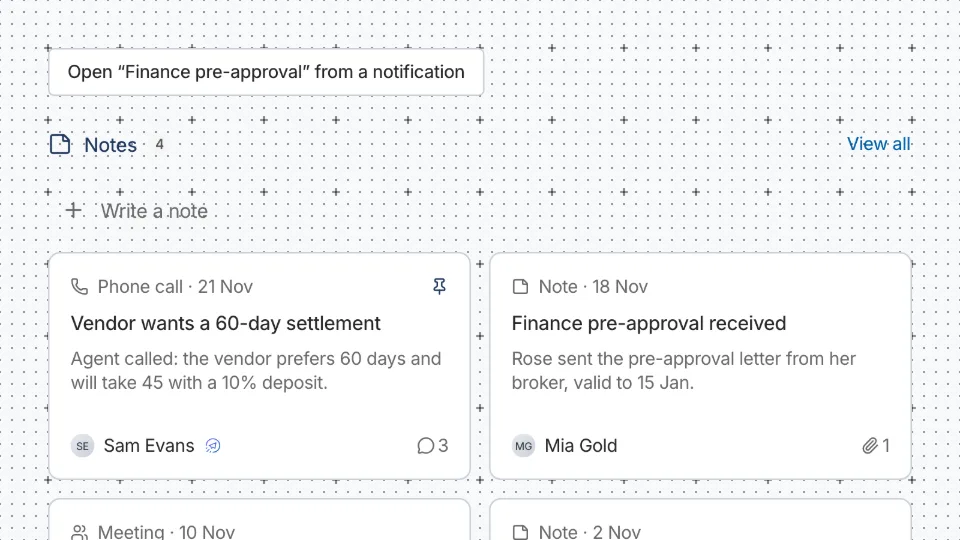
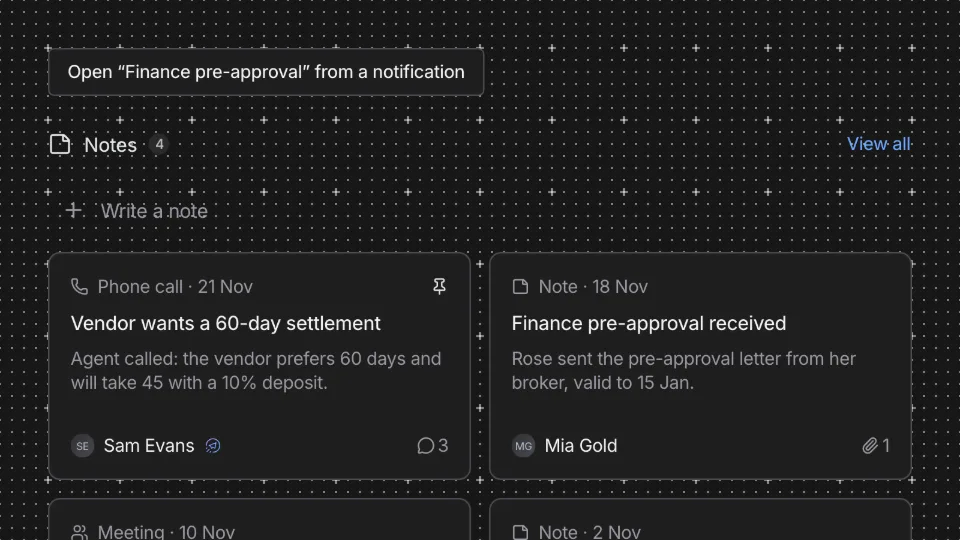
One note in the workspace grid. Every tile keeps the same slots in the same places: kind and date, a one-line title, three muted lines, then who wrote it, with comment and attachment counts only when there are any. A small Firm Pilot mark after the name means Firm Pilot wrote it for that person. A chip says where the note belongs only when that isn't the page it's on.
BetaReady to use. Its API can still change in a minor release; the changelog says when.
LEAP CRMBuilt for the CRM from the core library. It knows about the CRM's own records, so it isn't a general building block.
import { NoteTile } from "@leap-crm/design-system";Playground
Change a prop and the component follows. Its code is under Props.
Props
Best practices
When to use it, and the rules that apply in particular places.
| Guidance | Practice |
|---|---|
| Do | Set selected on the tile whose note is open beside the grid. Its focus-blue border shows which, and screen readers hear it as pressed. |
| Do | Set context only when the note belongs elsewhere: its matter on a contact, its contact on an opportunity. |
| Do | Set viaFirmPilot on the author when Firm Pilot wrote the note for someone, so the small Firm Pilot mark follows their name. |
| Don't | Set highlighted on a note someone just wrote. Set it only when they were taken to the note, from a notification, a link or search. |
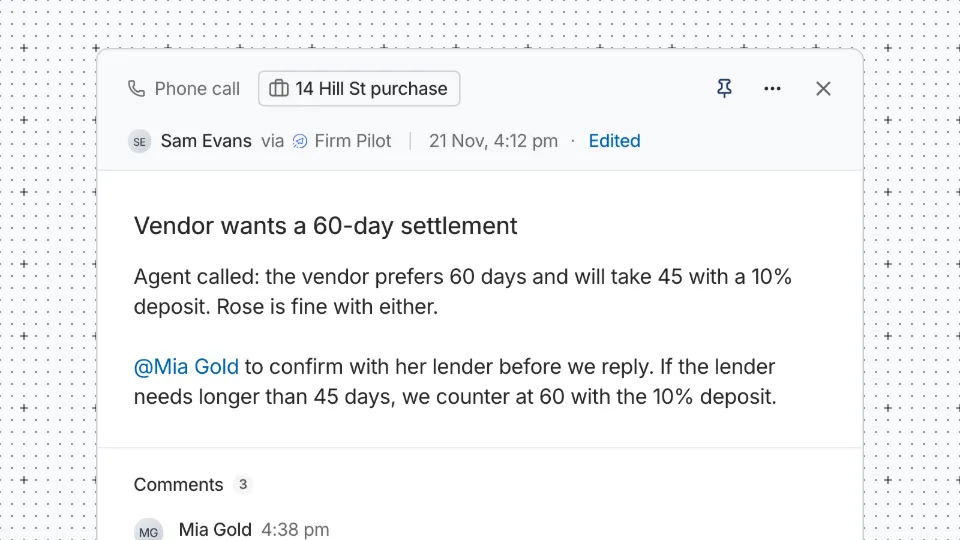
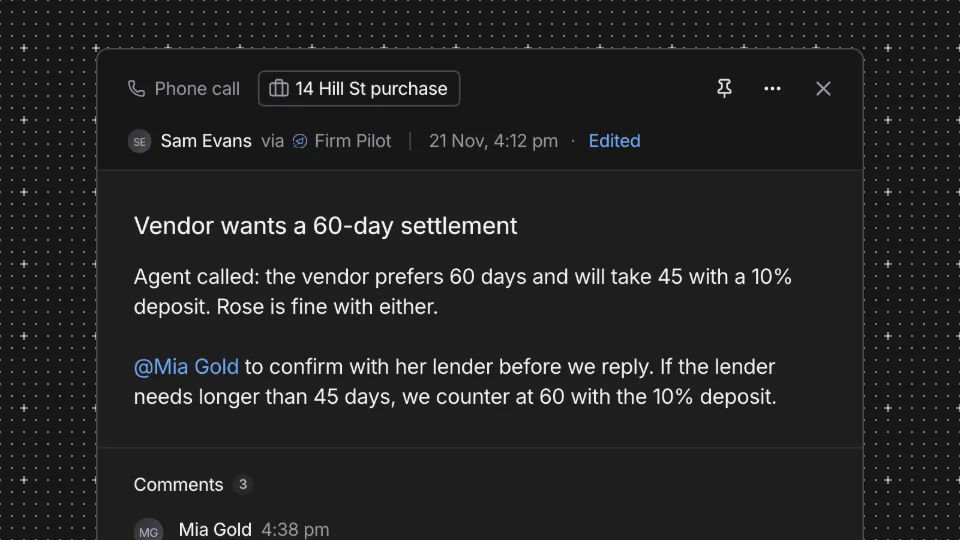
| Don't | Put a pin, menu or link on the tile. The whole tile is one button that opens the note; its actions live in NotePanel. |
Props
| Prop | Type | Default | Description |
|---|---|---|---|
| kind * | NoteKind | — | What the note records. Sets the 12 px icon and the word before the date. |
| date * | string | — | When it was written, already formatted, like "21 Nov" or "Just now". |
| title * | string | — | The note's title. One line; it clips with an ellipsis. |
| excerpt * | string | — | The start of the note. Three muted lines. |
| author * | NoteAuthor | — | Who wrote it. With `viaFirmPilot`, a small Firm Pilot mark follows their name. |
| pinned | boolean | false | Shows the navy pin. Pinned notes come first in a NoteGrid. |
| context | NoteContext | — | Where the note belongs, only when that isn't this page: its matter on a contact, its contact on an opportunity. |
| comments | number | 0 | How many comments. Shown only above 0. |
| attachments | number | 0 | How many attachments. Shown only above 0. |
| selected | boolean | false | The note open beside the grid: a focus-blue border. Sets aria-pressed. |
| highlighted | boolean | false | Someone was taken to this note, from a notification, a link or search. Never set it for a note they just wrote. |
| onOpen | () => void | — | Opens the note. |
| ref | Ref<HTMLButtonElement> | — | For useHighlight, which scrolls the tile into view. |
| className | string | — | Classes added to the root element, merged with its own. Tokens only. |
Code
What the playground shows, ready to copy.
import { NoteTile } from "@leap-crm/design-system";

<NoteTile date="14 Nov 2026" title="Finance pre-approval received" kind="call" excerpt="Jane confirmed the bank approved the loan this morning." author={{ name: "Mia Gold", initials: "MG" }} />
Tiles
Pinned, with comments, written by Firm Pilot for Sam; a plain note with an attachment.
Where it belongs
On an opportunity, a note kept on the contact shows the contact; on a contact, each note shows its matter.
Selected and highlighted
Selected is the note open beside the grid. The highlight shows only when someone is taken to the note, from a notification, a link or search, never for one they just wrote.
What the examples share
The imports and the scaffolding the examples above call. The scaffolding lives in this page, not in the library.
import { NoteTile } from "@leap-crm/design-system";

const call = {
  kind: "call" as const,
  date: "21 Nov",
  title: "Vendor wants a 60-day settlement",
  excerpt:
    "Agent called: the vendor prefers 60 days and will take 45 with a 10% deposit. Rose is fine with either. Mia to confirm with her lender.",
  author: { name: "Sam Evans", initials: "SE", viaFirmPilot: true },
};
Keyboard
The keys it answers to. Tab moves between components, arrows move within them.
| Keys | What they do |
|---|---|
| EnterSpace | Open the note, when the tile does something. |